
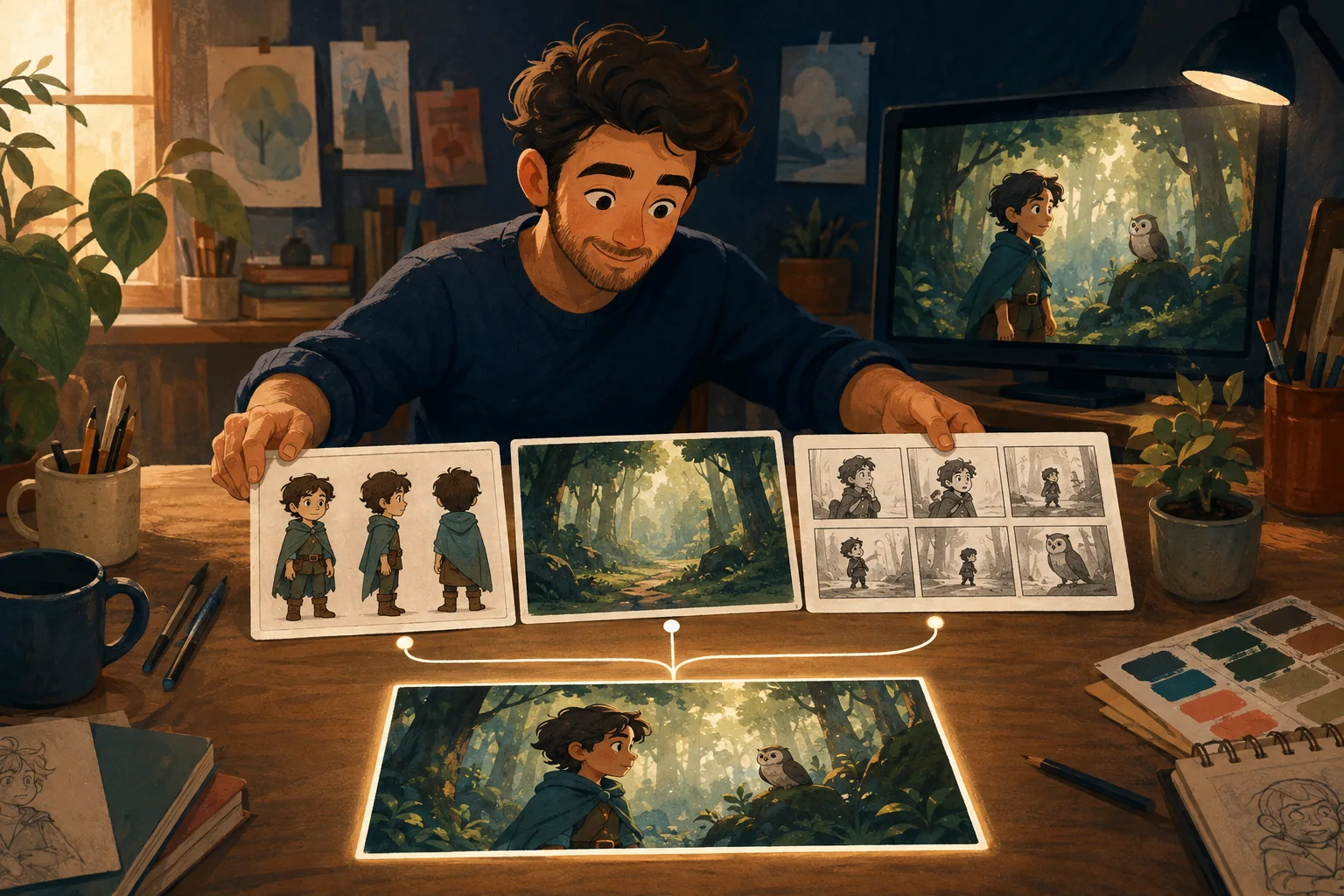
You do not need to become an animator before you make your first cartoon.
You do need a process.
The easiest way to get overwhelmed is to think about everything at once:
story, character design, camera angles, prompts, voices, movement, music, editing.
Do not do that.
Make one decision at a time.
What you actually need
For a simple cartoon, you need:
- an idea;
- a short story;
- one or more characters;
- the places the story happens;
- a list of scenes;
- a visual for each important shot;
- movement;
- a final review.
That is enough to understand the job.
Start smaller than your ambition
Your first cartoon does not need to be 20 minutes.
Make something finishable.
A simple 45--90 second story with one or two characters can teach you:
- how scenes connect;
- how character continuity works;
- where generation fails;
- how much movement you really need;
- how revisions work.
Completion is useful.
An enormous unfinished project is not.
You do not need to draw
Traditional drawing-based animation remains a valid way to make cartoons, and beginner tools such as FlipaClip still teach frame-by-frame creation.
But it is no longer the only route.
Generated-image and generated-video workflows can create visual material without requiring drawing skill.
That changes the craft you need to learn.
Instead of drawing every frame, you spend more time deciding:
- what the character should look like;
- what the shot needs to show;
- what should stay consistent;
- which result is good enough to approve.
You do not need to know every camera term
"Medium close-up with a 35mm equivalent lens" can be useful when you know why you want it.
It is not where a beginner needs to start.
Try:
Show both characters at the table.
Or:
Close enough to see her worried expression.
The visual goal comes first.
Technical vocabulary can come later.
You do need a story
Even a 20-second cartoon benefits from change.
Something begins one way and ends another way.
For example:
A puppy tries to hide a muddy paw print before its owner enters the room. It cleans the floor---then realizes the muddy trail leads directly to where it is hiding.
That is enough for a tiny cartoon.
Build the character once
If the puppy appears in five shots, decide what the puppy looks like before shot five.
Save the approved version.
Reuse it.
Consistency becomes much harder when every scene independently invents the hero.
Think in scenes
Do not ask for "the whole cartoon."
Ask what happens next.
Scene 1: puppy enters muddy.
Scene 2: sees paw prints.
Scene 3: hears owner approaching.
Scene 4: frantically cleans.
Scene 5: hides.
Scene 6: owner follows remaining trail.
Now the job is manageable.
Review before you keep building
If scene two is wrong, fix scene two.
Do not produce eight more scenes because you are excited to see the ending.
Good production protects approved work and catches mistakes early.
What a beginner-friendly cartoon maker should do
It should not merely have fewer buttons.
It should reduce uncertainty.
A beginner should be able to answer:
What am I deciding now?
and:
What happens after this?
That is more valuable than a screen full of advanced controls you do not yet understand.
Where MyToonMaker fits
MyToonMaker is designed around that beginner problem.
You bring the creative idea.
The workflow guides the production one step at a time.
Start Your Cartoon when you have an idea. It does not need to be a finished script.