
If your character looks right in scene one and slightly wrong in scene two, the problem usually isn't that you need a longer prompt.
You need a more stable production setup.
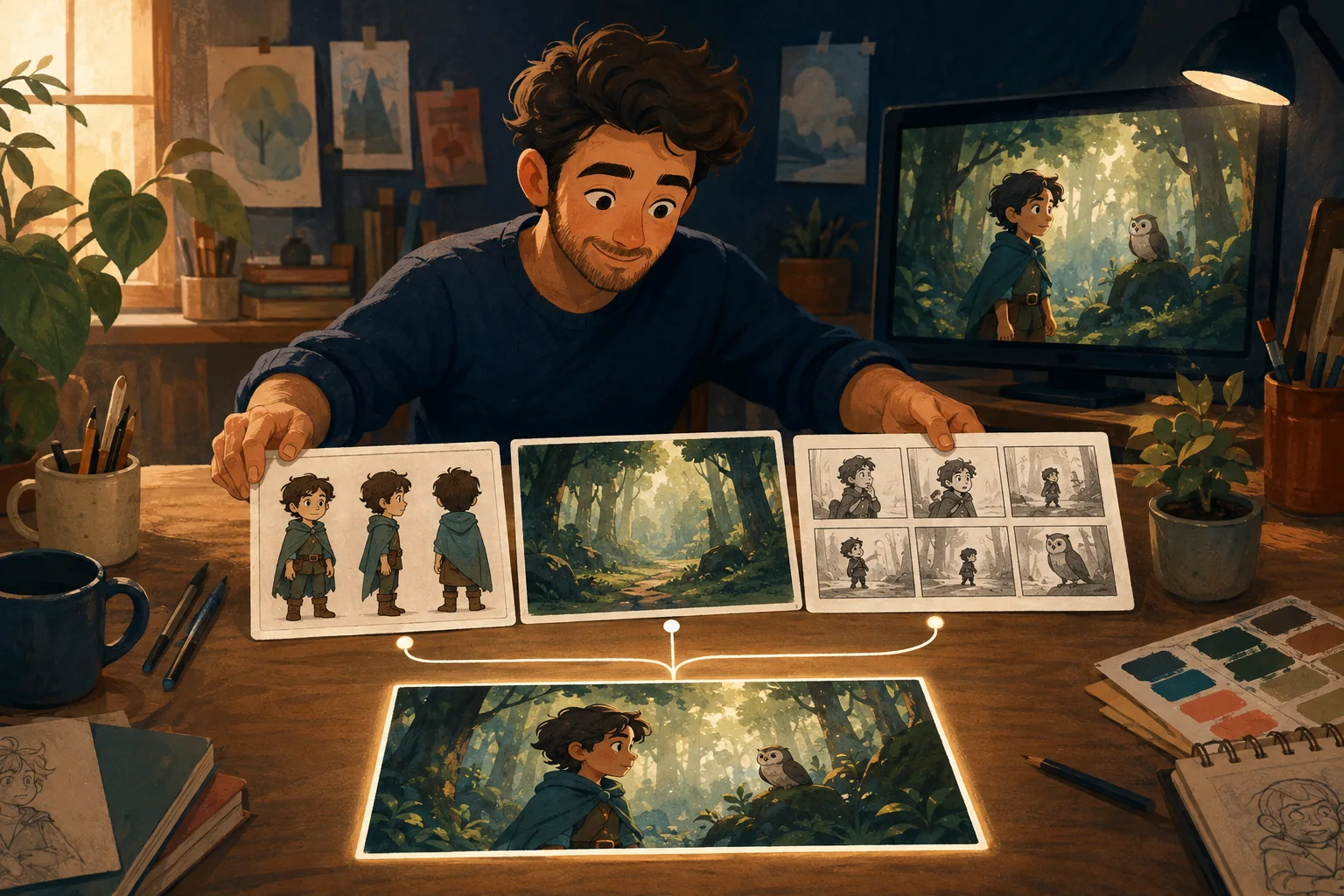
A consistent character AI workflow starts by defining the character once, keeping the important identity details fixed, and carrying those references into every new scene. Then you review each scene before the drift spreads through the rest of the story.
That sounds simple. In practice, there are several places where continuity breaks.
Why AI characters change between scenes
Most generated scenes are separate generations.
The model can understand a description such as "a young fox in a green jacket," but that description does not define one exact fox. Generate it again and the face may narrow. The ears may change. The jacket becomes blue. The character still matches the words, but it no longer looks like the same individual.
That is why repeating the same prompt is not enough.
For a multi-scene cartoon, you need to preserve the details viewers use to recognize the character.
Those usually include:
- face shape;
- hair, fur or other defining features;
- body proportions;
- age and overall silhouette;
- main clothing;
- signature colors;
- recurring accessories.
Not every pixel has to be identical. The character simply has to read as the same person or creature when the setting, pose and camera angle change.
1. Create the character before you create the scenes
Do not discover your main character while producing scene seven.
Settle the design first.
Choose a clear base version of the character and treat it as the production reference. If your workflow supports several views, include useful angles such as front, three-quarter and profile.
The goal is not to create a beautiful character sheet for its own sake.
The goal is to answer a practical question:
What is allowed to change, and what must stay the same?
A character can smile, run, sit down and move from a kitchen to a forest.
Their identity should not quietly change with them.
2. Lock the details that matter
Write a short continuity note for each recurring character.
For example:
Milo - small red fox; - narrow white muzzle; - large triangular ears; - dark green jacket; - cream shirt; - brown satchel; - no hat.
Keep it short.
You are not writing a novel about Milo. You are identifying the details that make a later version obviously wrong.
This also makes review faster. Instead of asking, "Does this feel right?" you can check the actual identity anchors.
3. Reuse visual references instead of redescribing the character from scratch
Text describes a type.
A visual reference points back to a specific design.
When your generation workflow supports reference images, use the approved character reference again in later scenes. Do not rely on memory or rewrite the character differently every time.
The same principle applies to recurring locations and important props.
If the hero's bedroom appears in six scenes, establish what that room looks like. If the character carries the same red backpack through the story, treat the backpack as part of continuity.
A cartoon starts feeling coherent when the production remembers its own decisions.
4. Keep scene prompts focused on what is changing
Once the character is established, the next prompt should not reinvent them.
Focus the scene instruction on:
- where the character is;
- what they are doing;
- what emotion matters;
- the shot or camera relationship;
- what has changed since the previous scene.
For example:
Milo stands at the edge of the rainy playground, holding the brown satchel against his chest. He looks toward the empty swings. Medium shot. Quiet, worried mood.
The production reference should carry the identity. The scene instruction carries the new action.
That separation is easier to manage than stuffing the entire character biography into every shot.
5. Keep style continuity separate from character continuity
A character can have the same face and still look wrong because the production style changed.
Scene one may be soft 3D cartoon lighting. Scene two suddenly becomes flat 2D illustration. Scene three uses realistic textures.
The identity survived. The cartoon did not.
For a connected story, keep a stable visual direction for:
- rendering style;
- color language;
- lighting logic;
- line or material treatment;
- level of detail.
Change these deliberately when the story calls for it, not accidentally from prompt to prompt.
6. Review every scene before moving too far ahead
Small mistakes compound.
If the jacket changes in scene three and you use scene three as the reference for scene four, the mistake becomes part of the new baseline.
Review each approved scene for continuity before building too much on top of it.
A simple check works well:
Character
Same face? Same proportions? Same defining details?
Wardrobe
Correct clothing and colors?
Location
Does the recurring place still look like the same place?
Style
Does the scene belong in the same cartoon?
Story
Does the character's position, emotion and action make sense after the previous scene?
This is not glamorous work. It is production work.
It is also what keeps a sequence from looking like unrelated generations.
7. Fix the weak scene, not the whole story
A useful production workflow should let you identify the scene that failed.
Maybe scene eight has the wrong jacket. That does not mean the script, character design and seven approved scenes are suddenly wrong.
Keep the approved parts stable.
Change the smallest thing necessary and regenerate the weak scene.
This is one of the biggest differences between making a cartoon and experimenting with individual AI clips. A real project needs a state you can keep building from.
What still causes character drift
Even with a careful workflow, difficult shots can still create problems.
Watch more closely when you use:
- extreme camera angles;
- very small characters in wide shots;
- heavy occlusion;
- complicated hand interaction;
- major wardrobe changes;
- several similar-looking characters in one shot;
- rapid changes in lighting or style.
Consistency is something you manage.
Do not build a production plan around the assumption that every generation will be perfect.
A simple consistency workflow
For a recurring character, the process can be reduced to this:
- Approve the character design.
- Save the visual reference.
- Record the identity anchors.
- Establish the visual style.
- Generate each scene from the same approved identity.
- Change the action and setting, not the character definition.
- Review continuity after every scene.
- Regenerate only what fails.
- Keep approved scenes as the production baseline.
That is the basic discipline behind consistent character AI production.
Where MyToonMaker fits
MyToonMaker is being built around a different idea from generating a new clip every time.
The project is the unit of work.
Your story, characters, locations and scenes belong to the same guided production rather than living as unrelated prompts.
That matters because the real problem is rarely creating the first attractive image.
The hard part is getting to scene twelve while it still feels like the same cartoon.
If you want to build a connected cartoon rather than manage isolated generations, Start Your Cartoon.