
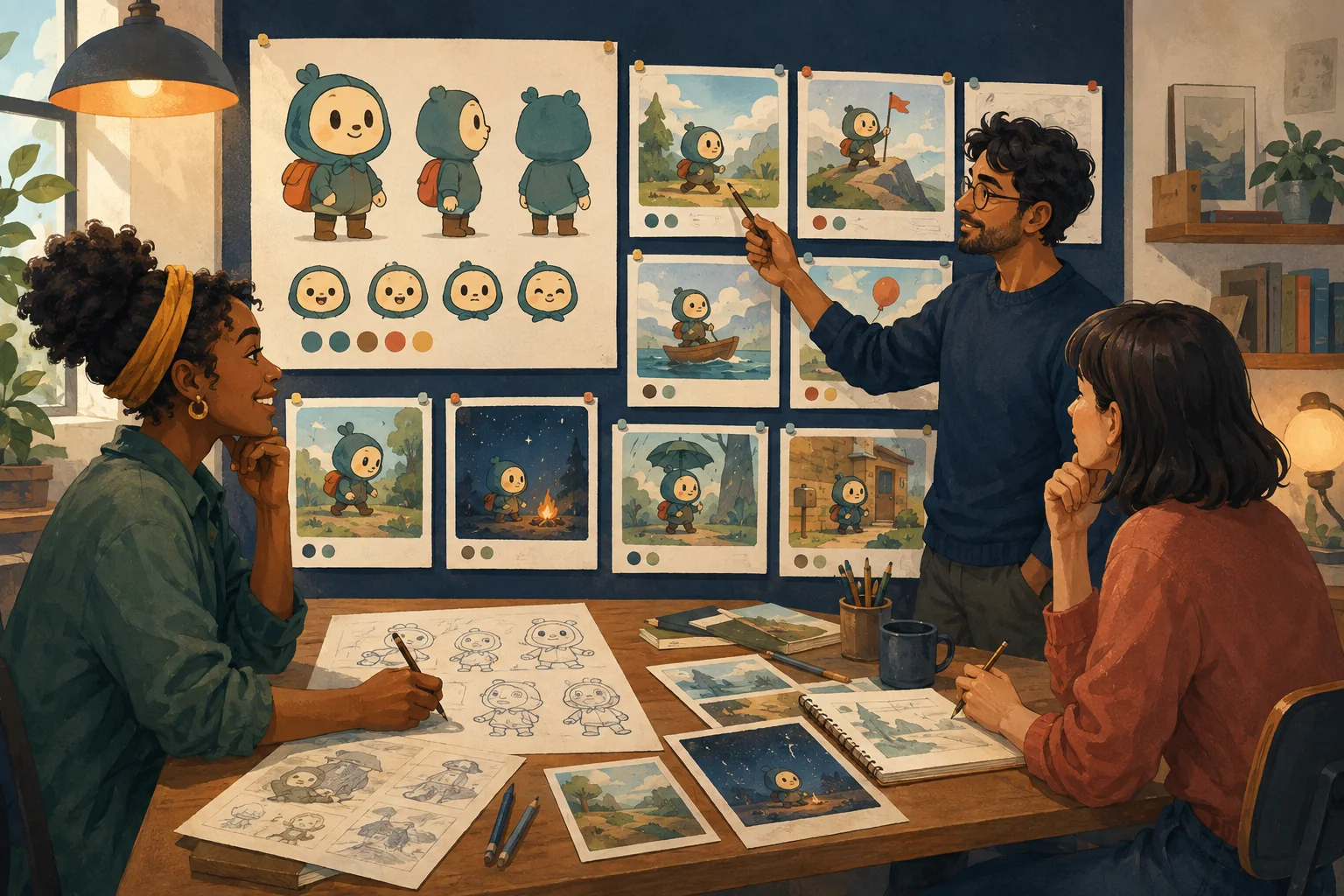
An animated explainer is not automatically a cartoon.
Put text on slides.
Add icons.
Move them around.
You have animation.
But if you want the piece to feel like a cartoon, give the explanation a situation.
Start with one audience problem
Weak starting point:
We need a 60-second video about our scheduling software.
Better:
A small-business owner keeps missing customer calls because appointment changes arrive through text, email and voicemail.
Now there is something to dramatize.
Create a simple character
The character does not need a complicated biography.
They need a role in the explanation.
For example:
Nina runs a small dog-grooming business.
She is competent.
The problem is not that she is foolish.
The problem is that information arrives from too many places.
That distinction matters.
Show the problem instead of listing it
Presentation version:
"Businesses often struggle with fragmented scheduling communication."
Cartoon version:
Nina is grooming a dog.
Phone rings.
Laptop notification appears.
Customer texts.
Another customer walks in asking about tomorrow.
Nina looks at three different calendars.
Same concept.
Now the audience can feel it.
Let the solution change the scene
Do not stop the story for a product lecture.
Show the workflow becoming simpler.
The visual should answer:
What becomes different for this character?
Keep the script narrow
A short explainer does not need every feature.
Choose the few points required to understand the core value.
If the viewer wants a full feature list, the product page can do that job.
Use a character as a guide, not a clown
Cartoon does not mean childish.
A restrained character with natural dialogue can make a technical idea approachable without turning it into a joke.
The tone depends on:
- writing;
- voice;
- visual style;
- performance;
- sound.
Give scenes visual jobs
For example:
Scene 1
Show the chaotic current situation.
Scene 2
Make the consequence clear.
Scene 3
Introduce the new approach.
Scene 4
Show the changed workflow.
Scene 5
Close with the outcome and next step.
Now the explainer has progression.
Keep claims factual
Animation can make a claim memorable.
It does not make the claim true.
If the cartoon says:
"Cut scheduling time by 50%"
the business needs evidence for that statement.
Do not use a friendly character to smuggle unsupported claims into marketing.
Sound should support clarity
Use:
- conversational voice;
- subtle effects;
- restrained music.
Do not let music fight the explanation.
If a character performs an important action, a small sound effect can make it easier to follow.
Review at phone size
If the explainer will be used on social media, check whether:
- expressions remain readable;
- on-screen text is legible;
- important objects are large enough;
- two-character compositions survive vertical formats.
Do not assume a wide composition can simply be cropped.
Where MyToonMaker fits
This is a natural business use case for Guided Cartoon Production: the business brings the message, and the workflow helps turn it into characters and connected scenes.
At publication time, Codex must verify the exact live MyToonMaker business workflow, commercial-use terms, available output formats and audio/video capabilities before finalizing this product bridge.
Create for Your Brand.