
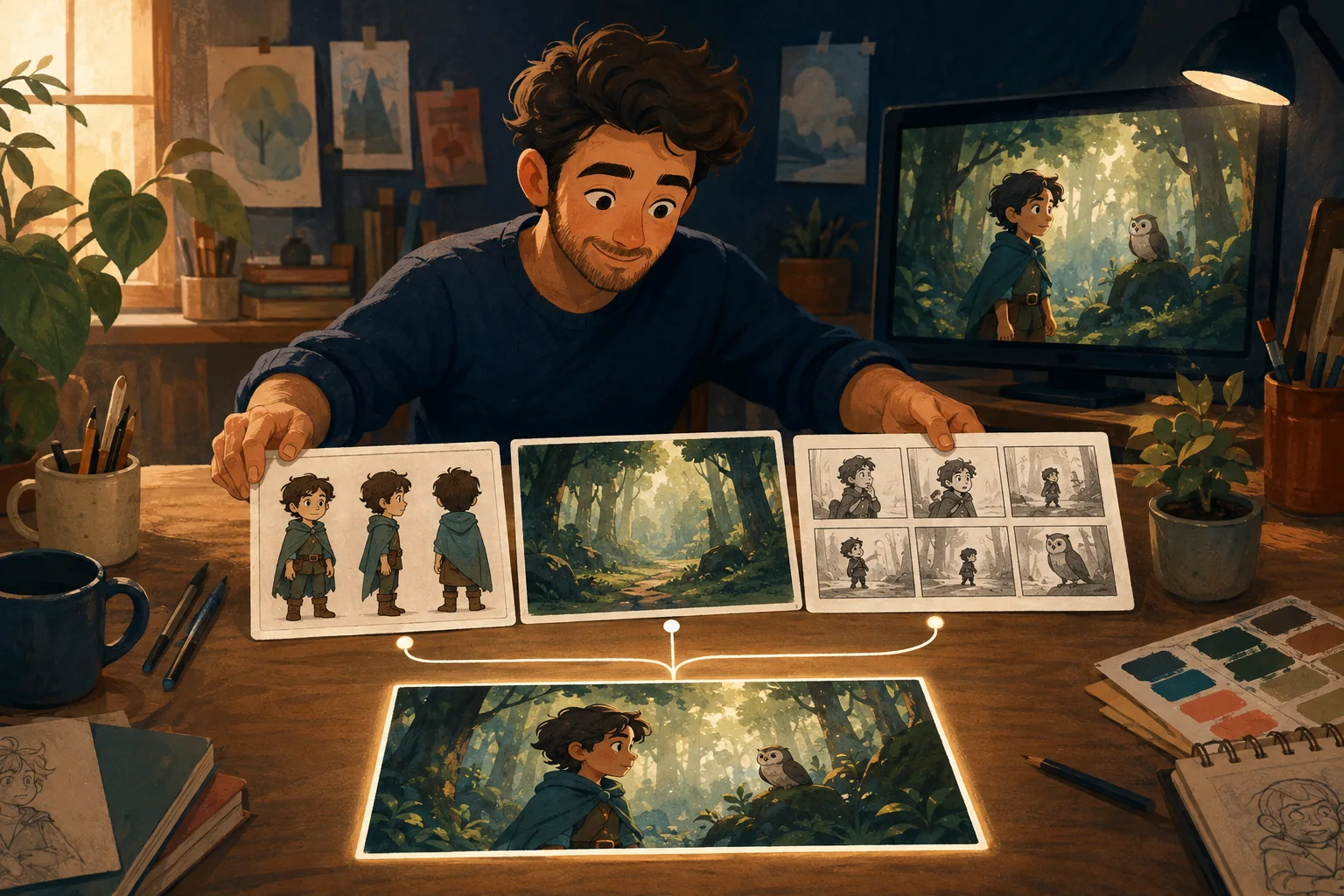
You do not need to start with animation.
Start with a story you can actually finish.
For a YouTube cartoon, the practical workflow is:
idea → story → script → characters and locations → shot plan → scenes → animation → edit/review → export
The exact tools can change. That production logic does not.
The mistake beginners often make is jumping straight from an idea to generating clips. The first clip may look good. By the fifth, the character has changed, the story has lost its pacing, and nobody remembers what the next shot is supposed to accomplish.
Plan the cartoon first. Then generate the pieces.
1. Decide what kind of YouTube cartoon you are making
"YouTube cartoon" covers very different formats.
A 30-second Short needs a different structure from a five-minute story.
Before writing, decide:
- approximate duration;
- landscape video or vertical Short;
- one-off story or recurring series;
- narrator-led or dialogue-led;
- target viewer;
- main emotional or story payoff.
Keep the first project small enough to finish.
A finished 60-second cartoon teaches you more than an abandoned 12-minute episode.
2. Write the story before you write scene prompts
Start with the simple version.
Who is the main character?
What do they want?
What changes?
How does it end?
For example:
A nervous young raccoon wants to perform at the school talent show. He keeps hiding backstage until a smaller child asks him for help. Helping someone else calms him down, and he finally walks onto the stage.
That is enough to start shaping a short cartoon.
Do not worry about camera language yet.
First make sure something actually happens.
3. Turn the story into a usable script
Now decide what the viewer hears.
Keep dialogue purposeful.
If a line does not reveal character, move the story or make the moment better, it probably does not need to be there.
For a short YouTube cartoon, simple is usually stronger:
Scene 1: establish the character and problem.\ Scene 2: make the problem harder.\ Scene 3: force a decision.\ Scene 4: show the result.
Longer cartoons need more beats, but the principle stays the same.
Every scene should have a job.
4. Establish recurring characters before producing the episode
If your channel uses recurring characters, treat them as reusable production assets.
Approve:
- appearance;
- body proportions;
- main clothing;
- color palette;
- personality cues;
- important props.
If the character changes every episode---or every shot---the audience has to keep meeting them again.
For a series, recognition matters.
For a detailed continuity workflow, link here to How to Keep AI Characters Consistent Across Scenes.
5. Establish the locations you will reuse
You do not need a new background for every line.
Recurring locations make production easier and make the cartoon feel like it has a world.
A bedroom, classroom, kitchen, spaceship bridge or neighborhood street can appear repeatedly with different framing.
Decide the important visual anchors once.
For example:
Raccoon's backstage area - dark blue curtain; - warm light leaking from stage left; - wooden floor; - stack of folded chairs; - hand-painted TALENT SHOW sign.
When the location returns, it should still feel like that place.
6. Break the script into shots
A scene is a story unit.
A shot is what the viewer actually sees.
One scene may need one shot. Another may need three.
Ask one question for every shot:
What does the viewer need to see right now?
Examples:
- wide shot: show the empty stage and make the character look small;
- close-up: show the character's hands shaking;
- medium shot: show another child approaching;
- reaction shot: show the character deciding to help.
Do not add shots simply to make the video longer.
Each one adds production work.
7. Create stills or visual anchors before animation when continuity matters
For a connected cartoon, a strong still can serve as a checkpoint.
You can judge:
- character identity;
- composition;
- wardrobe;
- location;
- expression;
- story clarity.
It is cheaper---in time and production complexity---to notice the wrong jacket before you animate the entire shot.
This is especially useful for recurring characters and longer episodes.
8. Animate the approved scene
Once the visual direction is right, add movement.
Keep the motion tied to the story.
A character does not need to spin, wave, blink, walk and move the camera in every shot.
Sometimes the correct animation is:
- look up;
- hesitate;
- take one step;
- smile.
Good cartoon production is not maximum motion.
It is the right motion for the beat.
9. Review the episode as a sequence
Do not judge every clip in isolation.
Put the scenes together.
Then ask:
- Does the character stay recognizable?
- Does the visual style hold?
- Are locations consistent?
- Does the story make sense without explanation?
- Is any scene too slow?
- Does dialogue have room to breathe?
- Does the ending feel earned?
- Is there a weak scene you can fix without rebuilding everything?
This is where a collection of attractive clips becomes---or fails to become---a cartoon.
10. Prepare the YouTube version
Before publishing, check the current YouTube requirements for the format you intend to use.
At the production level, make sure you have:
- the correct aspect ratio;
- clear audio;
- readable captions where appropriate;
- a strong opening;
- no accidental blank frames;
- a clean ending;
- thumbnail material;
- title/description assets.
Do not stretch a landscape composition into a vertical Short after the fact if you can plan the framing correctly from the beginning.
If you want to build a recurring cartoon channel
Your second episode should be easier than your first.
That is the test.
If every episode requires rebuilding:
- the characters;
- locations;
- style;
- prompts;
- reference files;
- production notes;
you do not really have a series workflow yet.
You have repeated one-off productions.
For a recurring channel, preserve what should persist and change only what belongs to the new episode.
Where MyToonMaker fits
MyToonMaker is designed around guided cartoon production.
Instead of expecting a beginner to know the entire production sequence, the workflow moves through the decisions needed to turn an idea into a connected cartoon project.
That is especially relevant for YouTube creators because the goal is not one impressive generation.
It is finishing the episode---and being able to make the next one.
When you are ready to turn the story into a project, Start Your Cartoon.