
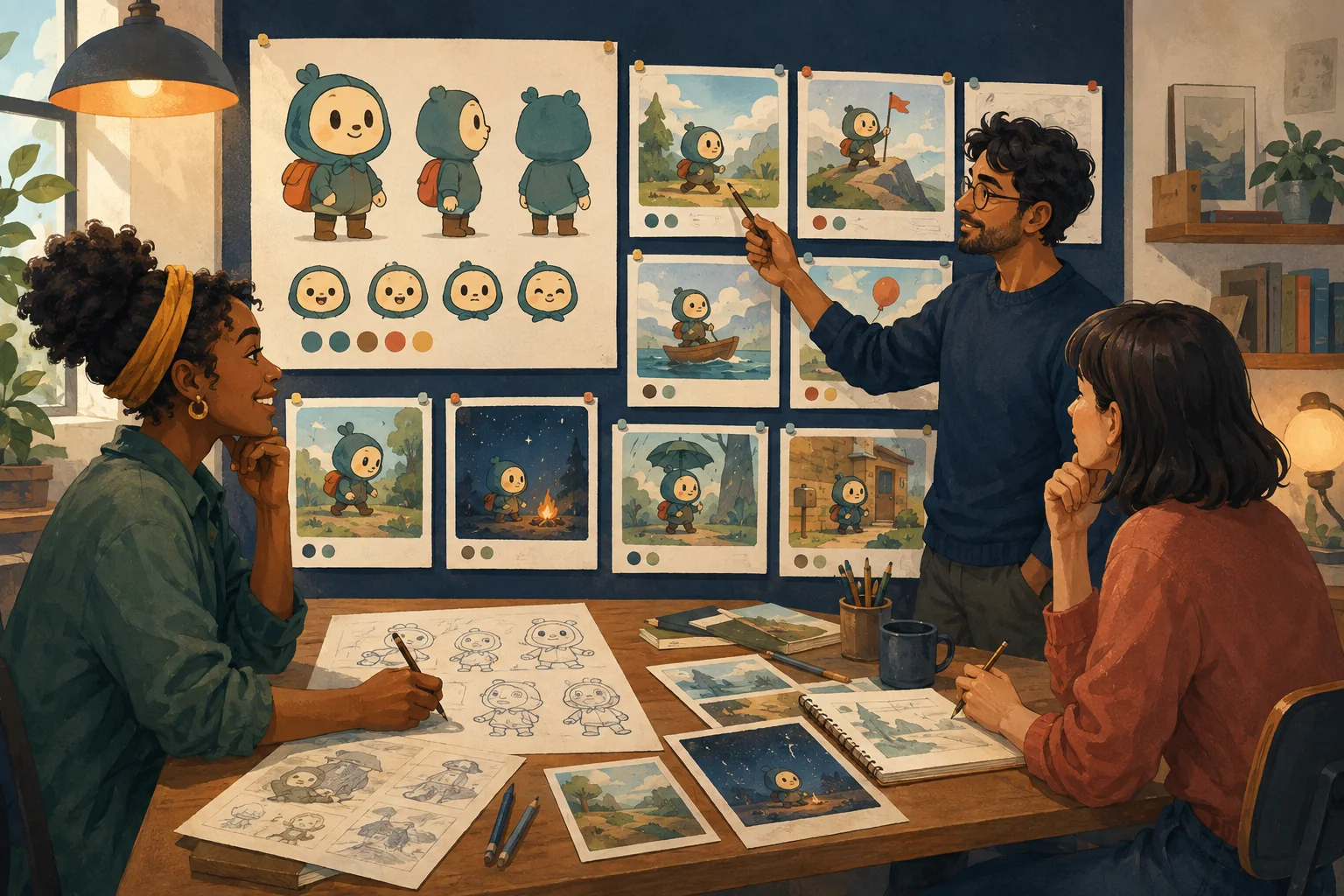
Generation is not approval.
A clip can look impressive on first viewing and still contain a problem that becomes obvious after publication.
Review the cartoon in layers.
1. Character identity
Check every recurring character.
Look for:
- face changes;
- hair changes;
- body proportion changes;
- wardrobe drift;
- missing accessories;
- accidental age changes.
Do not only inspect the hero.
2. Hands and physical contact
Watch moments where characters:
- hold objects;
- touch another character;
- open doors;
- eat;
- pick things up;
- use tools.
Physical interaction is a common place for visual errors to become noticeable.
3. Props
If the story depends on a red key, make sure it does not become:
- blue;
- a different shape;
- missing;
- duplicated.
Important objects need continuity too.
4. Locations
Compare recurring environments.
Check:
- doors;
- windows;
- furniture;
- signs;
- major colors;
- spatial layout.
Ask whether it still feels like the same place.
5. Motion
Watch the entire clip.
Look for:
- sudden morphing;
- sliding feet;
- unnatural object motion;
- characters passing through things;
- background warping;
- unstable edges.
A clean first frame is not enough.
6. Dialogue and lip sync
If characters speak, check:
- correct line;
- correct speaker;
- understandable audio;
- timing;
- mouth behavior if lip sync is used.
Perfect mouth matching is not always necessary for every style.
Distracting mismatch is still distracting.
7. Sound
Listen once without looking.
Can you understand the dialogue?
Are effects too loud?
Does music cover speech?
Are there abrupt audio cuts?
8. Pacing
Watch from beginning to end without touching the controls.
Mark:
- where you become impatient;
- where you become confused;
- where a reaction needs more time.
9. Continuity between shots
The individual clips may all be good.
Check the cuts.
Does the character suddenly teleport?
Does the cup switch hands?
Does day become night?
Does the camera orientation become confusing?
10. Story comprehension
Finally, ignore the technical details.
Ask:
Would somebody seeing this for the first time understand what happened?
A technically polished cartoon can still tell the story poorly.
Create three labels
For each shot:
APPROVED --- ready.
FIX --- usable after correction.
REGENERATE --- core visual/action failure.
This prevents endless vague review.
Where MyToonMaker fits
A professional-looking cartoon requires selection and approval, not just generation.
At publication time, Codex should show the actual current MyToonMaker review/approval flow and avoid implying controls that are not live.
Finish Your Cartoon.