
You describe the same character twice.
The second result looks similar.
But it is not the same person.
The face is narrower. The hair changed. The jacket lost a pocket. By scene five, the hero looks like a relative of the character from scene one.
That problem is usually called character drift.
It happens because generating another scene is not the same thing as photographing an actor who already exists. If the system has only a written description, it can create another valid interpretation of those words.
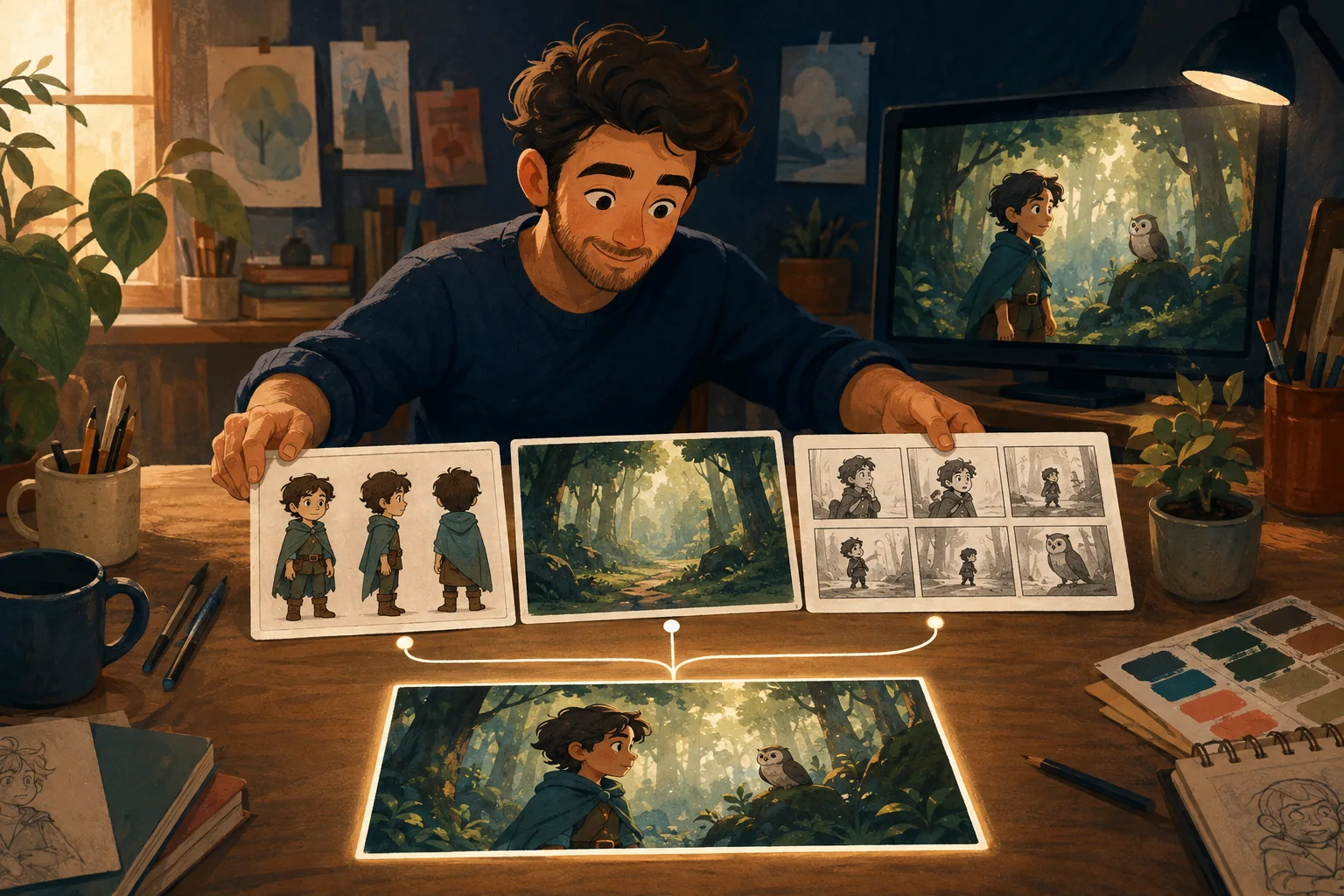
Current reference-based workflows address this by giving later generations the same visual identity to work from instead of asking the model to invent the character again. Current guidance from tools and practitioners consistently emphasizes stable reference images or character sheets for this reason.
A description defines a type. A reference defines a character.
Consider this description:
Twelve-year-old boy with curly brown hair, round glasses, yellow hoodie and blue sneakers.
It sounds specific.
It still leaves enormous freedom.
How round are the glasses?
What shape is the face?
How long is the hair?
What shade of yellow?
How tall is the character?
What are the proportions?
A model can satisfy the description many different ways.
That is fine for one illustration.
It becomes a problem when scene two is supposed to contain the exact child from scene one.
The practical fix is to stop making text carry the entire identity.
What actually changes when a character drifts?
Character consistency is more than keeping the face approximately similar.
Viewers notice several layers.
Identity
Face, body, age and defining physical features.
Wardrobe
Clothing, colors, shoes and accessories.
Proportions
Head size, height, limb proportions and silhouette.
Style
The same character can feel different if one scene is soft 3D animation and the next becomes flat illustration.
Continuity details
A backpack disappears.
A scar moves sides.
Glasses change shape.
A jacket suddenly has a hood.
Each error can look small by itself.
Put the scenes together and the production stops feeling connected.
Why repeating the same prompt does not fully solve it
Keeping your wording stable is useful.
It reduces one source of variation.
But it does not turn the previous generation into persistent memory.
If you ask for the same described character again, the system can still produce another interpretation.
This is why current consistency workflows increasingly use a reference-first approach: establish the identity visually, then reuse that identity while changing the scene.
Fix 1: Establish one approved character
Before producing the story, decide what the character actually looks like.
Choose an approved reference.
If your workflow allows it, create additional useful views.
You may want:
- front or three-quarter view;
- profile;
- full body;
- clear face;
- standard wardrobe.
The purpose is not to make a decorative character sheet.
It is to create a stable production source.
Fix 2: Separate identity from action
Keep the identity stable.
Change what is happening.
For example, the character definition remains:
Small red fox, narrow white muzzle, large triangular ears, dark green jacket, cream shirt and brown satchel.
Scene instructions change:
Waiting nervously outside a classroom.
Then:
Running through a rainy playground.
Then:
Sitting beside a friend on a bench.
The story changes.
The actor does not.
This separation also makes mistakes easier to diagnose. If the character changed, you know the identity continuity failed. If the character is correct but the pose is wrong, the scene instruction failed.
Fix 3: Reuse the original reference
Do not allow scene three to become the only reference for scene four if scene three has already drifted.
Keep the approved identity available.
Otherwise small errors can compound:
original character → slightly changed scene → more changed scene → new character
Use the strongest approved reference as the anchor whenever the workflow allows it.
Fix 4: Lock wardrobe until the story changes it
Clothing is one of the easiest continuity errors to notice.
If the hero wears a green jacket throughout the afternoon, keep the green jacket.
If the story later moves to bedtime, change the clothes deliberately.
The key word is deliberately.
A wardrobe change should happen because the story changed, not because the next generation improvised.
Fix 5: Keep the visual style stable
Identity can drift even when the face stays recognizable.
Suppose:
- scene one has soft cinematic 3D lighting;
- scene two becomes glossy photorealism;
- scene three looks hand-painted.
The character may technically survive.
The cartoon does not.
Establish the visual language early and keep it stable unless a style change is part of the storytelling.
Fix 6: Be careful with difficult shots
Some scenes put more pressure on identity than others.
Watch closely when you use:
- extreme profiles;
- overhead views;
- very distant characters;
- faces partly hidden by objects;
- complicated interactions;
- several similar characters;
- dramatic lighting changes;
- major costume changes.
A front-facing portrait is an easy consistency test.
A tiny character tumbling through a dark action scene is not.
Plan accordingly.
Fix 7: Review scene by scene
Do not generate twenty scenes and inspect continuity at the end.
Review while the project is still easy to correct.
For each scene ask:
Face: Same character?
Body: Same proportions?
Clothes: Correct wardrobe?
Props: Anything important missing?
Style: Same visual world?
Story: Does this moment actually follow the previous one?
If a scene fails, fix that scene.
Do not normalize the error.
Character consistency is a production problem
This distinction matters.
If you think consistency is purely a prompting problem, the answer always seems to be another prompt trick.
But a multi-scene cartoon needs more than a clever sentence.
It needs:
- an approved identity;
- reusable references;
- stable visual rules;
- continuity checks;
- controlled revisions;
- a project that remembers what has already been decided.
That is production.
Can AI character consistency be perfect?
Do not plan around perfection.
Even reference-based systems can produce variation, especially under difficult angles, motion or complex interactions.
A better target is:
recognizable, controlled continuity with an efficient way to correct failures.
That is a realistic production standard.
Where MyToonMaker fits
MyToonMaker is built around connected cartoon production rather than treating every scene as an unrelated generation.
The intended workflow keeps the story, characters and scenes inside the same project so the creator can keep building instead of re-establishing the production from scratch.
If character drift is the problem stopping you from making a longer story, Start Your Cartoon.