
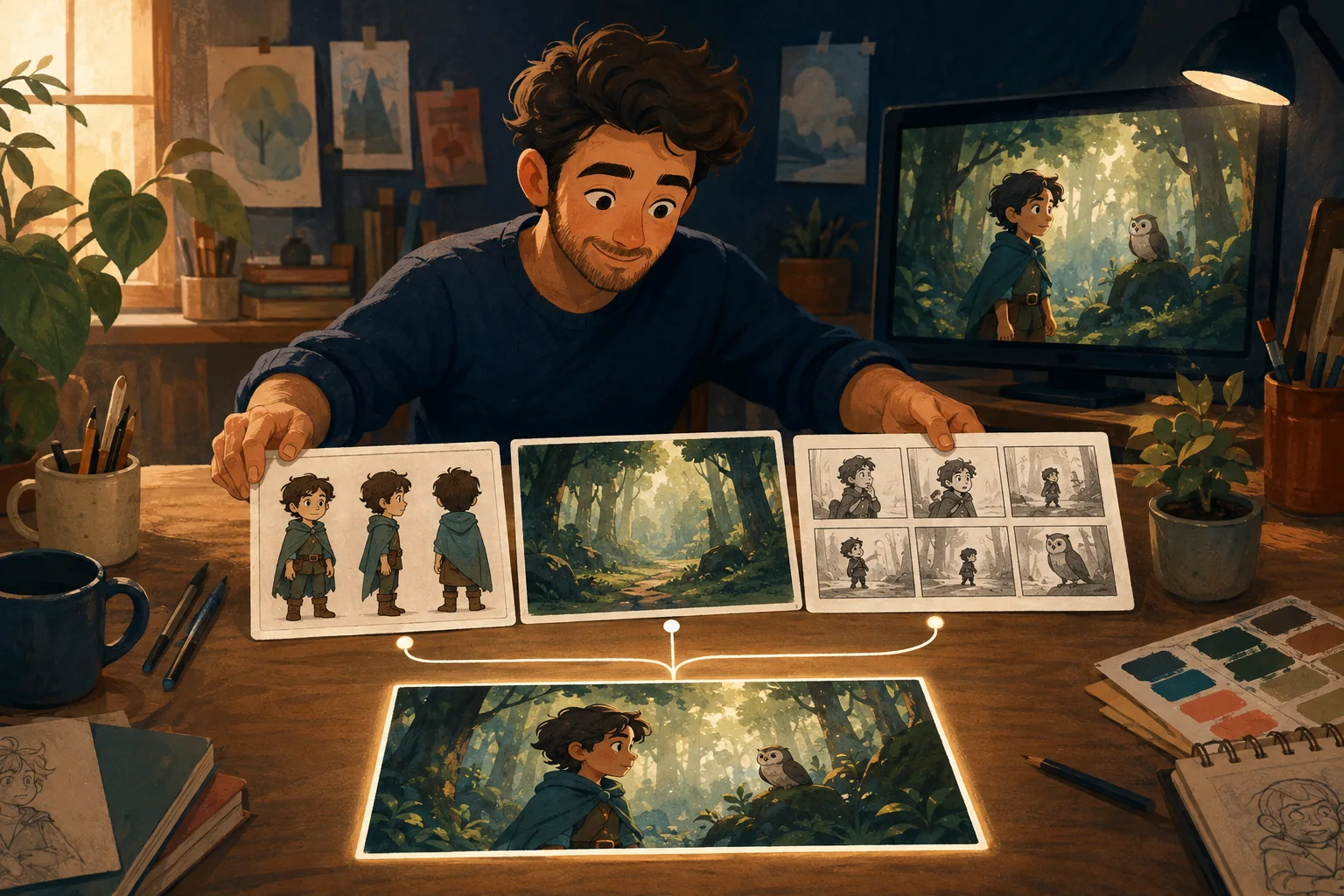
Continuity means the audience believes the next shot belongs to the same story.
Perfect duplication is not required.
Recognition is.
Use this checklist between connected shots.
Character
- same face?
- same age?
- same hair?
- same body proportions?
- same required accessories?
Wardrobe
- same outfit?
- same colors?
- sleeves/jacket state consistent?
- story-driven changes occurring at the correct time?
Props
- same object?
- same color?
- same hand?
- same state?
If the cup breaks in shot four, it should not be intact in shot five unless the story explains it.
Location
- same room?
- doors/windows in plausible positions?
- recurring furniture present?
- key visual anchors intact?
Screen direction
If a character exits frame right, does the next shot make spatial sense?
If two characters face each other, do their eyelines still connect?
Lighting
Did afternoon suddenly become night?
Did a warm interior become blue without a reason?
Exact lighting can change with camera angle.
The scene should still feel temporally coherent.
Character position
If Maya is beside the table at the end of shot one, shot two should not begin with her across the room unless time/action passed between cuts.
Story state
Continuity is not only visual.
Track:
- injuries;
- dirt;
- wet clothing;
- opened packages;
- eaten food;
- broken objects.
The world remembers what happened.
Audio
Room tone and background sound can also maintain continuity.
A loud party should not become silent between two angles unless that change is intentional.
Review adjacent shots side by side
Continuity errors are easier to spot when the end of shot A sits beside the beginning of shot B.
Do not review only isolated clips.
Where MyToonMaker fits
Guided Cartoon Production is fundamentally a continuity problem: preserve approved decisions while the story moves forward.
At publication time, insert a real MyToonMaker continuity example.
Review Your Cartoon.