
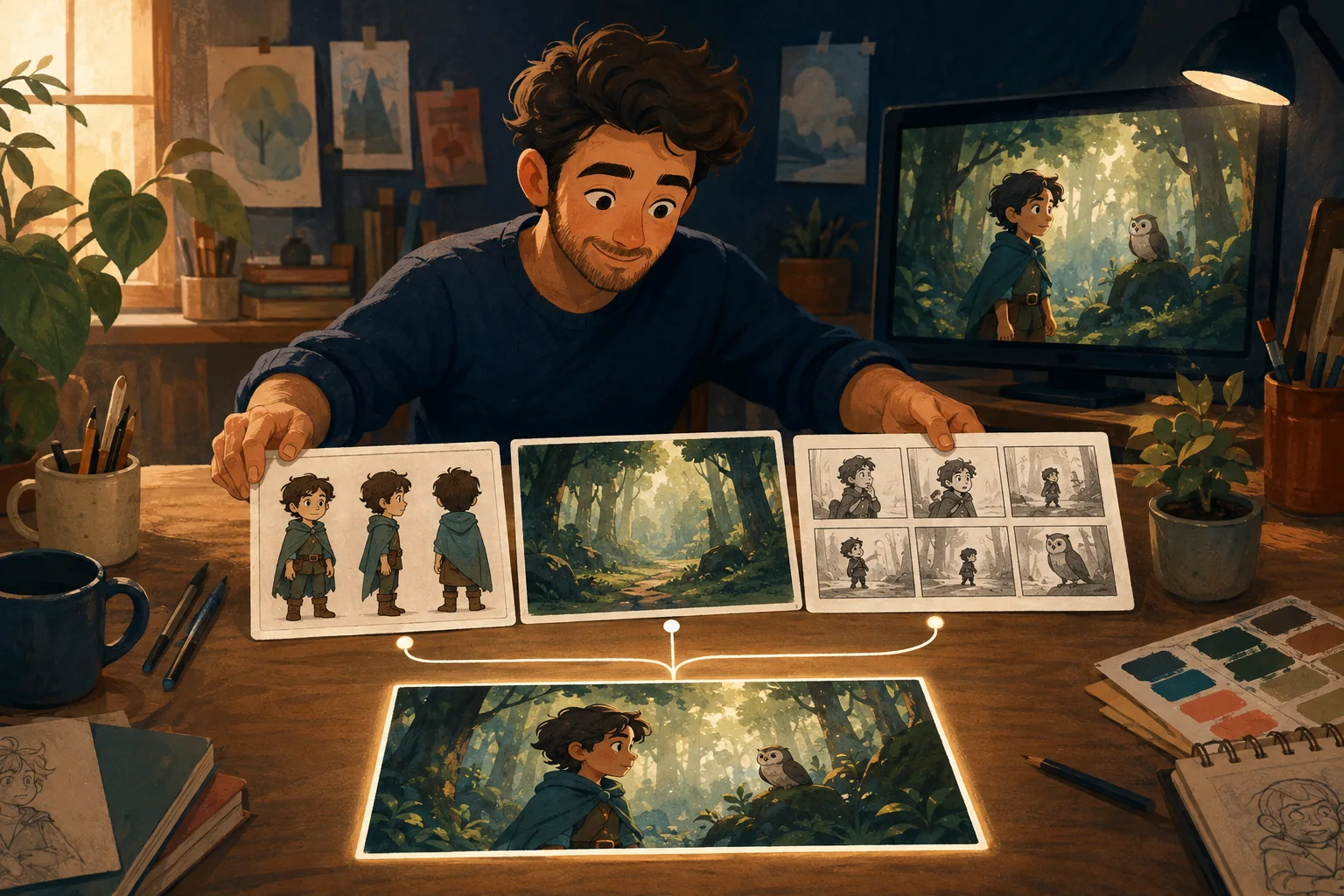
Wardrobe drift is easy to dismiss until the character changes shirts in the middle of the same conversation.
Then everyone notices.
Treat clothing as continuity information, not decoration.
Define the standard outfit
For each recurring character, record the normal look.
Example:
Leo - mustard yellow T-shirt; - navy overshirt worn open; - dark gray jeans; - red sneakers.
That is much stronger than:
casual teenager clothes.
Put the outfit in the approved visual reference
Text helps.
A clear reference helps more.
The reference should show the important clothing pieces without heavy shadows or objects hiding them.
Do not casually change wardrobe language
If scene one says:
yellow shirt and navy overshirt
and scene four says:
stylish layered outfit
you may have accidentally given the system permission to redesign the clothes.
Keep the stable elements stable.
Decide when clothing is allowed to change
A story may cover:
- several days;
- school and bedtime;
- formal event;
- sports practice.
Then outfit changes are logical.
Create named variants.
For example:
Leo --- Standard
Leo --- School Uniform
Leo --- Pajamas
Now the change is intentional.
Watch small details
Continuity can fail even when the general colors remain.
Check:
- sleeves;
- buttons;
- logos;
- shoe color;
- jewelry;
- hat;
- jacket open/closed.
Decide which details matter enough to enforce.
Use scene chronology
If the character spills paint on the shirt in scene 8, the paint should not appear in scene 3.
Continuity follows story time.
Keep a note when wardrobe changes because of an event.
Where MyToonMaker fits
A guided production system should help the creator carry approved character decisions into later scenes instead of rebuilding the identity every time.
At publication time, Codex should state exactly how MyToonMaker handles character wardrobe and variants.
Keep Your Character Consistent.