
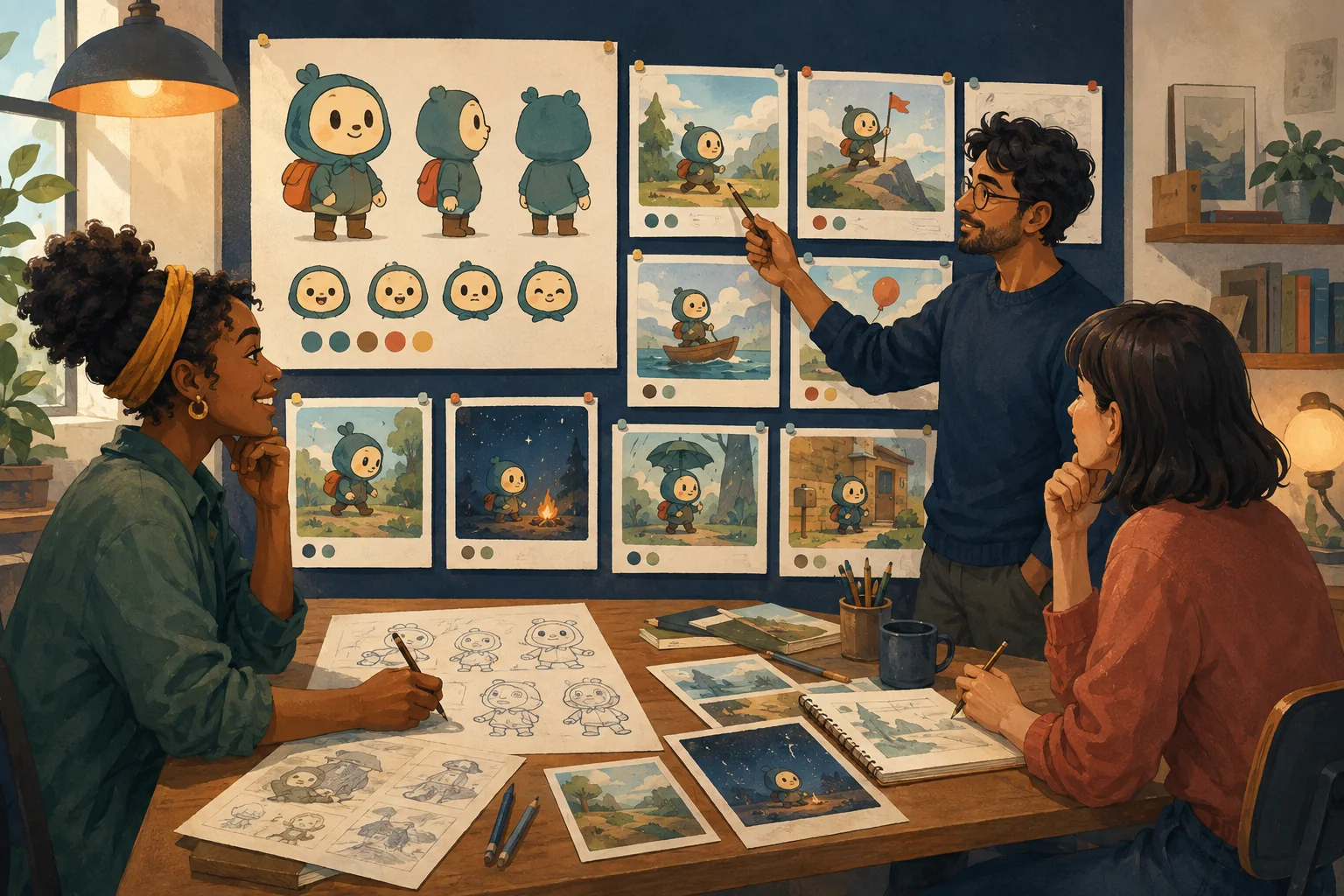
A finished cartoon is a chain of decisions.
If you skip too many of them, the missing work usually returns later as:
- inconsistent characters;
- confusing scenes;
- repeated generations;
- broken continuity;
- awkward editing.
Use this checklist as a production map.
Stage 1 --- Define the idea
Can you explain the cartoon in one or two sentences?
Know:
- who it is about;
- what happens;
- why it matters.
Checkpoint: The idea is specific enough to become a story.
Stage 2 --- Develop the story
Define:
- beginning;
- problem;
- important turns;
- ending.
For short cartoons, keep the structure proportionate to the runtime.
Checkpoint: The story changes from beginning to end.
Stage 3 --- Write the script
Include:
- scenes;
- action;
- dialogue;
- important visual information.
Read dialogue aloud.
Checkpoint: The script can be visualized.
Stage 4 --- Choose the visual style
Define:
- 2D/3D/general rendering direction;
- shape language;
- color;
- lighting;
- texture;
- camera feel.
Checkpoint: One style can support the whole story.
Stage 5 --- Create the characters
For recurring characters, approve:
- appearance;
- clothing;
- proportions;
- important accessories;
- expressions;
- reference views where useful.
Checkpoint: The character is recognizable across more than one image.
Stage 6 --- Create recurring locations
Define important environments.
Record:
- layout;
- visual anchors;
- fixed props;
- color;
- lighting logic.
Checkpoint: Returning locations look like the same places.
Stage 7 --- Break the script into scenes and shots
For each shot, know:
- subject;
- framing;
- action;
- dialogue;
- location;
- continuity requirements.
Checkpoint: Every important story beat has visual coverage.
Stage 8 --- Create key stills
Before motion, establish the shot visually where the workflow calls for it.
Review:
- character;
- pose;
- environment;
- prop;
- composition.
Checkpoint: The still is good enough to become the basis of the shot.
Stage 9 --- Animate
Describe:
- character motion;
- object motion;
- camera behavior;
- timing.
Keep complicated action manageable.
Checkpoint: Motion works and identity survives.
Stage 10 --- Build dialogue/voice
Choose appropriate performances.
Check:
- character fit;
- clarity;
- timing;
- consistency.
Checkpoint: Dialogue sounds like the characters, not like placeholder narration.
Stage 11 --- Add sound and music
Use:
- effects for important physical actions;
- environment where useful;
- music for emotional support.
Checkpoint: Audio supports rather than covers the scene.
Stage 12 --- Edit the sequence
Trim clips.
Arrange shots.
Match action.
Use reaction shots.
Keep transitions purposeful.
Checkpoint: Separate clips now feel like one story.
Stage 13 --- Add captions/titles
Check readability and safe placement.
Checkpoint: Text works at the actual viewing size.
Stage 14 --- Run quality control
Review:
- identity;
- hands;
- props;
- backgrounds;
- motion;
- dialogue;
- sound;
- pacing;
- continuity;
- story comprehension.
Checkpoint: Every shot is approved, fixed or deliberately accepted.
Stage 15 --- Prepare the output
Verify:
- aspect ratio;
- resolution;
- audio;
- final runtime;
- thumbnail/title where relevant;
- rights to supplied material;
- platform requirements.
Checkpoint: The output matches its destination.
The larger lesson
The difficult part of cartoon creation is rarely one individual generation.
It is carrying the creative decisions through the entire sequence.
That is why a guided production pipeline can be more useful than another isolated generation box.
Where MyToonMaker fits
This article is the clearest expression of the MyToonMaker category position.
The platform is intended to take much of the production organization that normally sits between an idea and a coherent cartoon and turn it into a guided workflow.
At publication time, Codex must compare every stage above with the live product and clearly distinguish:
- steps MyToonMaker performs;
- steps it assists;
- steps the user approves;
- steps currently completed outside the platform.
Do not remove a production step merely to make the product appear more complete.
Truthful boundaries make the positioning stronger.
Start Your Cartoon.